Frontend-Mentor-Solutions
Frontend Mentor - Results summary component solution
This is a solution to the Results summary component challenge on Frontend Mentor. Frontend Mentor challenges help you improve your coding skills by building realistic projects.
Table of contents
Overview
The challenge
Users should be able to:
- View the optimal layout for the interface depending on their device’s screen size
- See hover and focus states for all interactive elements on the page
- Bonus: Use the local JSON data to dynamically populate the content
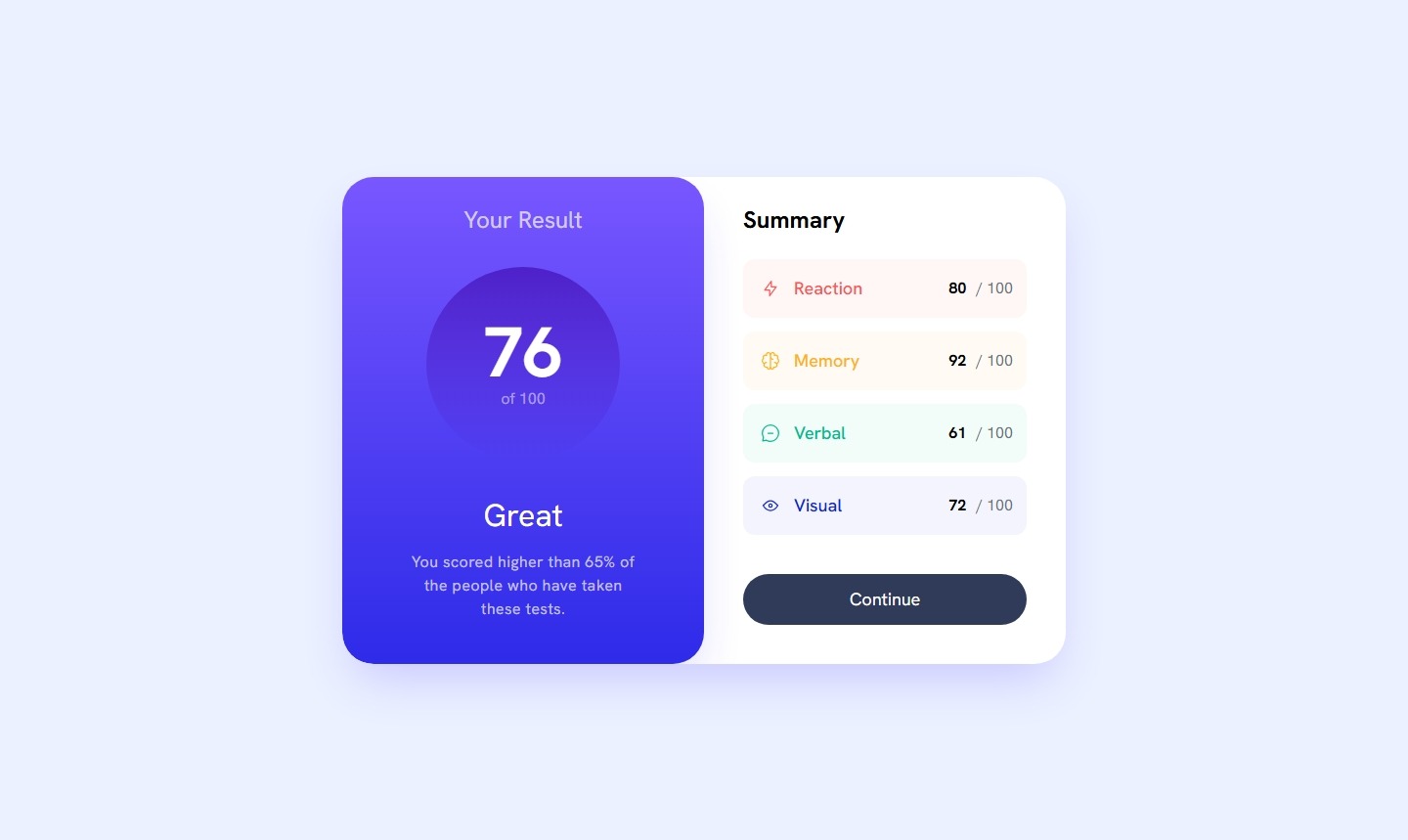
Screenshot
Links
- Solution URL: https://github.com/isnandar1471/Frontend-Mentor-Solutions/tree/main/Results%20summary%20component
- Live Site URL: https://isnandar1471.github.io/Frontend-Mentor-Solutions/Results%20summary%20component/build
My process
Built with
- Semantic HTML5 markup
- CSS custom properties
- Flexbox
- Mobile-first workflow
- React - JS library
What I learned
In this exercise, I learned to use ReactJS + TailwindCSS. I learned to use useState and useEffect from ReactJS.
Continued development
I will continue to train my knowledge related to ReactJS & TailwindCSS, so that my coding will be better than my current coding.
Author
- Website - sudutfajar.my.id
- Frontend Mentor - @isnandar1471